

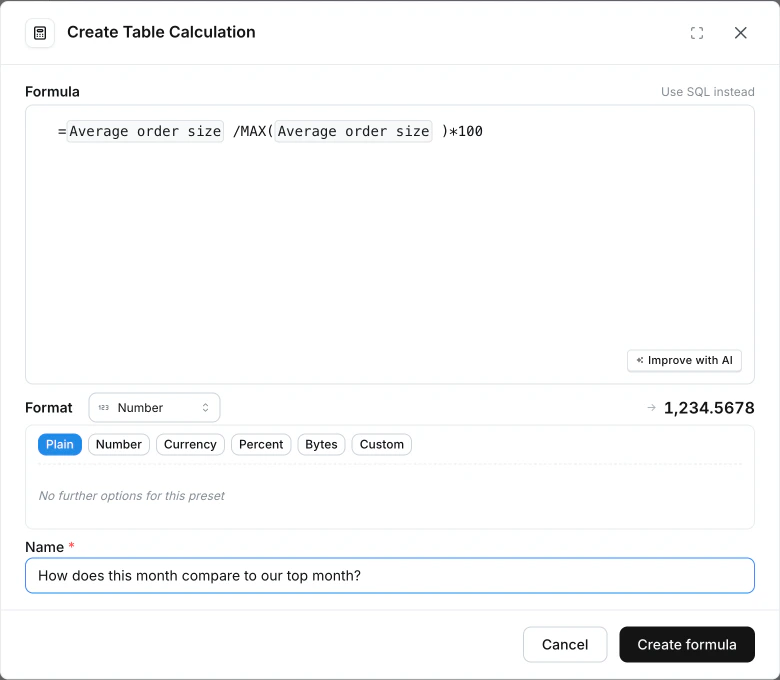
Formula table calculations let you write table calculations in a spreadsheet-style syntax, the way you would in Google Sheets or Excel, instead of raw SQL. When you create a new table calculation, Formula is the default input mode. You can switch to the SQL editor any time.Documentation Index
Fetch the complete documentation index at: https://lightdash-mintlify-7725ae17.mintlify.app/llms.txt
Use this file to discover all available pages before exploring further.
Why use formulas?
- Faster to write for common calculations. No
OVER (…)orCASE WHENboilerplate to remember. - Familiar if you’ve used Google Sheets, Excel, or Airtable.
- Portable across warehouses. The same formula compiles to the correct SQL for whichever warehouse your project is connected to.
Supported warehouses
Formula table calculations work on every warehouse Lightdash supports: Athena, BigQuery, ClickHouse, Databricks, DuckDB, PostgreSQL, Redshift, Snowflake, and Trino. The same formula compiles to the correct SQL for whichever warehouse your project is connected to.Writing your first formula
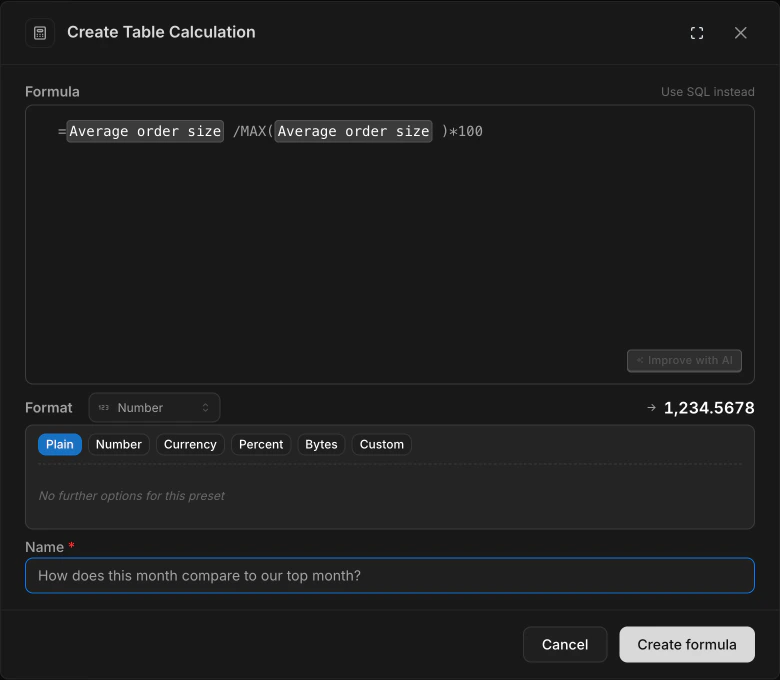
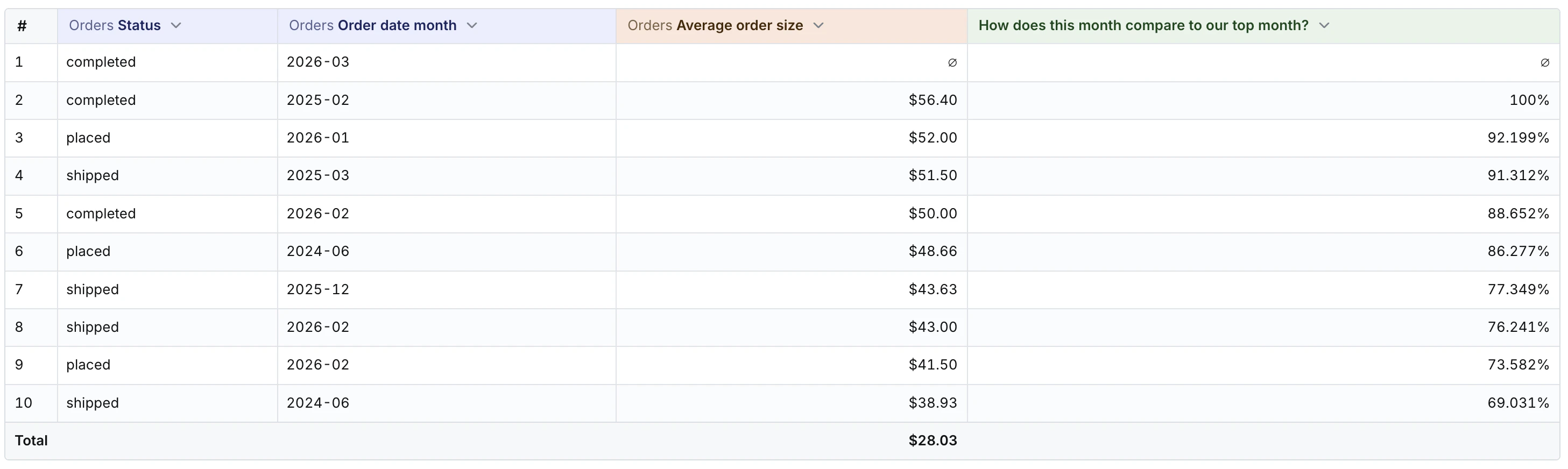
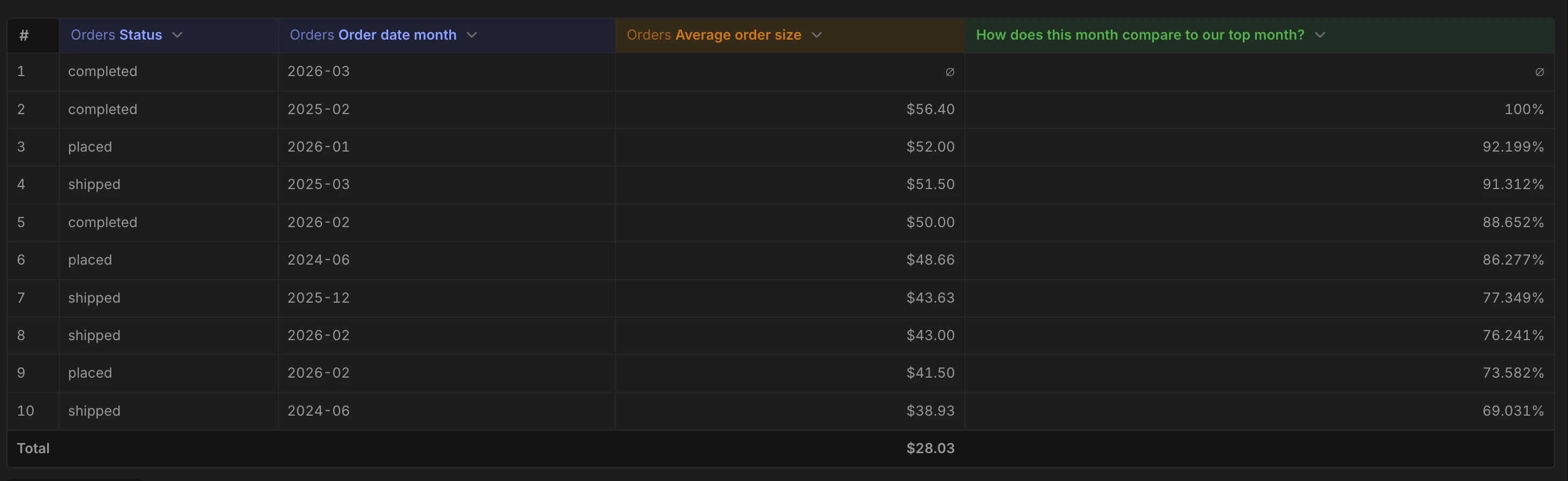
Every formula starts with=. Reference a field by its column name
(the same name you see in the results table header):
- Numbers:
42,3.14,-1.5 - Strings:
"hello"or'hello' - Booleans:
TRUE,FALSE - Column references: any field present in your results table
- Arithmetic operators:
+,-,*,/,%(modulo) - Comparison operators:
=,<>,>,<,>=,<= - Boolean operators:
AND,OR,NOT
Function reference
Math
| Function | Description |
|---|---|
ABS(x) | Absolute value |
ROUND(x, [digits]) | Round to N decimal places |
CEIL(x) / CEILING(x) | Round up to nearest integer |
FLOOR(x) | Round down to nearest integer |
MIN(x, [y]) | Minimum (scalar or aggregate) |
MAX(x, [y]) | Maximum (scalar or aggregate) |
Logical
| Function | Description |
|---|---|
IF(condition, then, [else]) | Conditional expression |
AND, OR, NOT | Boolean operators |
=, <>, >, <, >=, <= | Comparison operators |
String
| Function | Description |
|---|---|
CONCAT(a, b, …) | Concatenate strings |
LEN(s) / LENGTH(s) | String length |
TRIM(s) | Remove whitespace |
LOWER(s) | Convert to lowercase |
UPPER(s) | Convert to uppercase |
Date
| Function | Description |
|---|---|
TODAY() | Current date |
NOW() | Current timestamp |
YEAR(d) | Extract year |
MONTH(d) | Extract month |
DAY(d) | Extract day |
LAST_DAY(d) | Last day of the month containing d |
DATE_TRUNC(d, unit) | Truncate d to the start of unit ("day", "week", "month", "quarter", "year") |
DATE_ADD(d, n, unit) | Add n whole units to d (e.g. DATE_ADD(orders_date, 3, "month")) |
DATE_SUB(d, n, unit) | Subtract n whole units from d |
DATE_DIFF(start, end, unit) | Whole-unit calendar-boundary difference. Positive when end > start. |
unit is always one of "day", "week", "month", "quarter",
"year" — quoted as a string literal.
Aggregation
| Function | Description |
|---|---|
SUM(x) | Sum values |
AVG(x) / AVERAGE(x) | Average values |
COUNT([x]) | Count rows (or non-null x) |
SUMIF(condition, x) | Sum where condition is true |
AVERAGEIF(condition, x) | Avg where condition is true |
COUNTIF(condition) | Count where condition true |
Window
| Function | Description |
|---|---|
RUNNING_TOTAL(x) | Running (cumulative) total |
ROW_NUMBER() | Sequential row number |
RANK() | Rank with gaps |
DENSE_RANK() | Rank without gaps |
LAG(x, [offset], [default]) | Previous row’s value |
LEAD(x, [offset], [default]) | Next row’s value |
FIRST(x) | First value in window |
LAST(x) | Last value in window |
NTILE(n) | Distribute rows into N buckets |
MOVING_SUM(x, n) | Sum of the last N rows |
MOVING_AVG(x, n) | Average of the last N rows |
Null handling
| Function | Description |
|---|---|
COALESCE(a, b, …) | First non-null argument |
ISNULL(x) | TRUE if x is null |
Examples
Gross margin as a percentageFAQ
Can I switch between SQL and Formula on the same table calculation?
Can I switch between SQL and Formula on the same table calculation?
No. The input mode is chosen when you create the table calculation
and can’t be changed afterwards, because formulas and SQL aren’t
always losslessly interconvertible. If you need to move a SQL calc to
a formula (or vice versa), delete the old one and create a new one in
the mode you want.
I found a bug or want a function that isn't listed
I found a bug or want a function that isn't listed
Post in the Lightdash Community Slack
or open a GitHub issue.
See Contact Us for more options.